

 Calen360 lets you create bookable meeting types, share your booking link, sync your calendar, and capture transcripts and AI insights from every meeting. Whether you are a solo freelancer or a growing team, Calen360 handles the scheduling back-and-forth so you can focus on the conversation itself.
What you can do
Public booking pages
Share a link and let guests book time with you — no account required on their end.
Calendar-aware scheduling
Calen360 checks your connected calendar in real time and only shows slots that are genuinely free.
Team scheduling
Route bookings across your team with round-robin assignment, or require all members to attend with collective scheduling.
Meeting intelligence
An AI assistant joins your calls, captures a full transcript, tracks attendance, and surfaces insights after the meeting ends.
Integrations
Connect Google Calendar, Outlook, Zoom, and Microsoft Teams to keep everything in sync automatically.
AI tools via MCP
Use Calen360 from Claude Code, Cursor, and other MCP-compatible tools to manage your schedule without leaving your workflow.
Core concepts
How a booking works
Get started
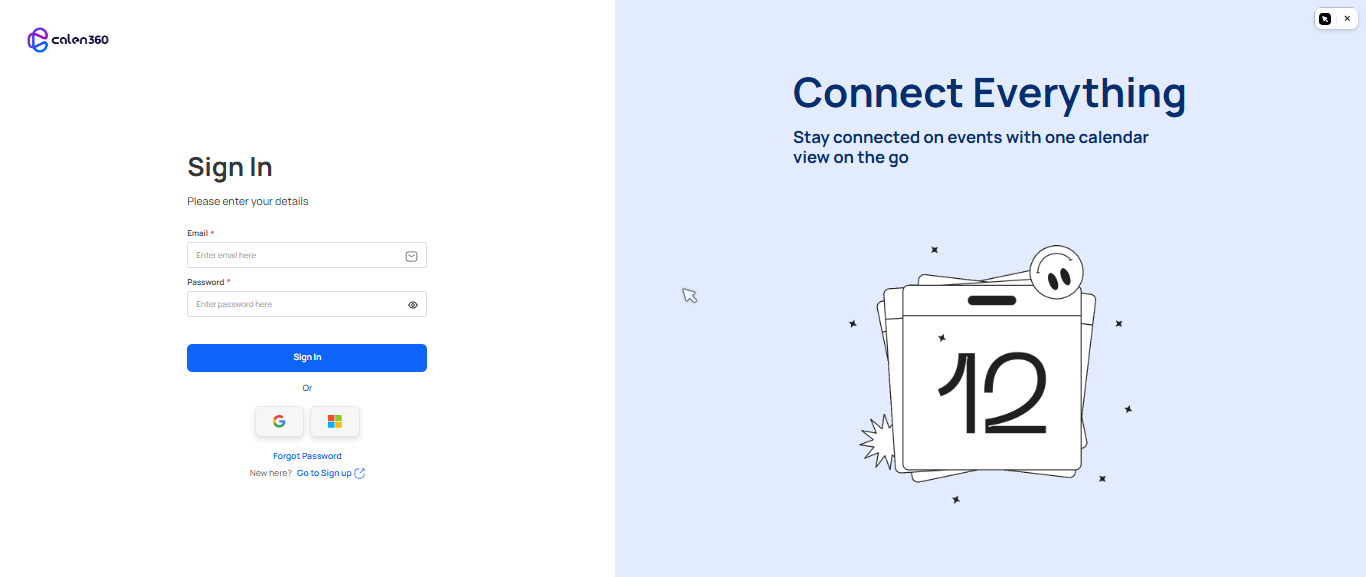
Authentication
Sign up, verify your email, and log in to your workspace.
Quick Start
Go from zero to your first live booking page in five steps.
Event Types
Learn how to create and configure bookable meeting templates.
MCP Integration
Connect Calen360 to Claude Code, Cursor, and other AI tools.